Limitless Survivor Patch 1.0.07 — Menu Navigation
July 31, 2026 — WASD and analog-stick menus plus Semi-Auto tutorial fix.
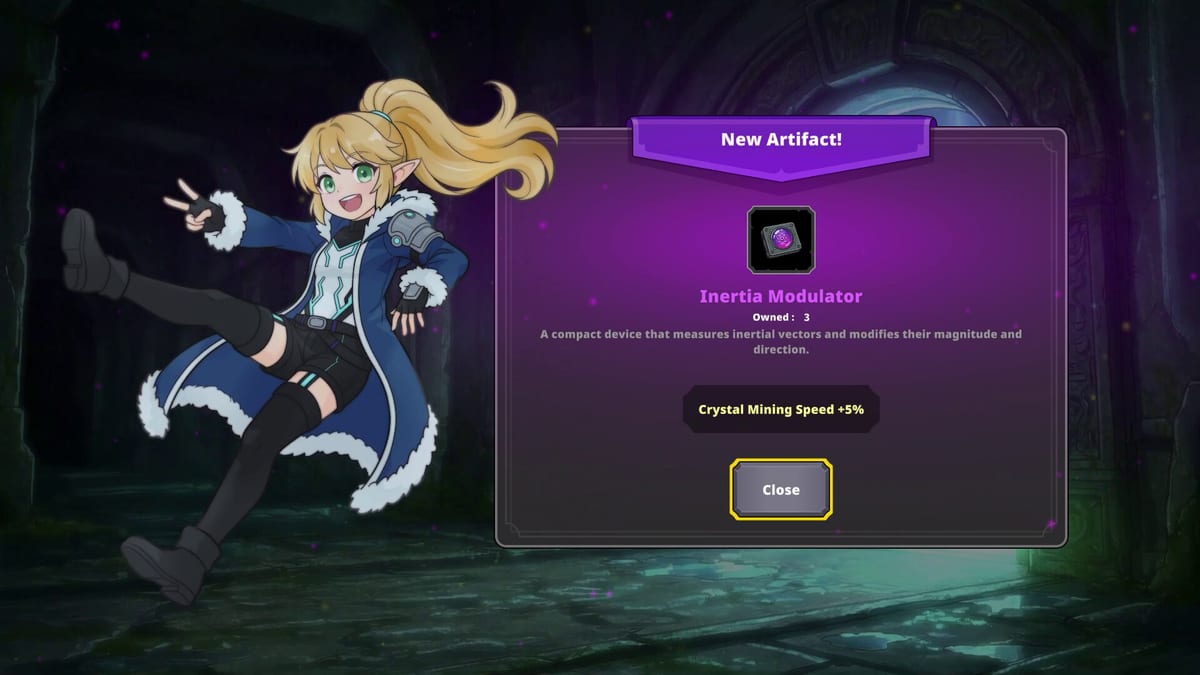
Update Ver. 1.0.07 arrived July 31, 2026, one day after Semi-Auto in 1.0.06. Tam Lab focused on menu navigation comfort and a Semi-Auto tutorial correction rather than balance changes. Incremental players live in menus — prestige reinvestments, Artifact appraisal, stat planners — so input options matter as much as combat controls.
This page documents 1.0.07 for keyboard, mouse, and controller users. Full control layouts live in Keyboard and Mouse and Controller.
Menu navigation improvements
Tam Lab added two new ways to move through menus:
Keyboard: WASD keys now navigate menus in addition to arrow keys.
Controller: Analog stick navigation joins the existing directional pad support.
Unchanged: Arrow keys and D-pad still work as before — no need to rebind muscle memory if you prefer legacy layouts.
Practical impact:
- WASD players can stay on home row between combat and crystal upgrade menus
- Controller users on couch setups can use stick instead of clicking D-pad repeatedly during Bulk Stat Upgrade sessions
- Faster menu traversal after Prestige when reinvesting pickup, Time Limit, and HP — pair with Stat Planner
Why menu QoL matters in Limitless Survivor
Unlike pure action roguelites, Limitless Survivor spends significant real time in between-run UI: spending standard crystals, confirming prestige tiers, browsing Artifacts, and adjusting five-skill loadouts in Build Loadout.
Before 1.0.07, keyboard players often lifted fingers from WASD to arrow keys for every menu hop — awkward after 1.0.03 movement improvements made combat feel snappier. Controller players repeated D-pad clicks during long post-prestige shopping sprees.
1.0.07 does not add new menu features; it only widens input parity so the same screens feel consistent with combat bindings.
Menu workflows that improve most
Post-prestige stat reinvestment — After How to Prestige, you often buy pickup range, Time Limit, and HP in sequence. WASD or analog stick lets you chain selections without hunting for arrow keys.
Artifact appraisal — Sorting duplicates and comparing passive bonuses benefits from stick navigation on large lists.
Semi-Auto tutorial reread — After the text fix, open controls help once to confirm T / LT bindings match Semi-Auto Guide.
Language switching — Pairs with 1.0.06 dungeon language fix; menus now accept the same movement keys you use in combat locales.
Semi-Auto tutorial fix
1.0.07 fixed incorrect Semi-Auto control instructions displayed in the controls tutorial introduced with 1.0.06. If you learned Semi-Auto from broken tutorial text:
- Correct toggle: T (keyboard) and LT (controller) — Semi-Auto Guide
- Re-read tutorial after updating Steam
- Full feature context: Patch 1.0.06 Semi-Auto
Some players reported tutorial screenshots showing wrong keys for the first 24 hours after 1.0.06. Updating to 1.0.07 resolves that confusion without resetting save data.
Input comparison table
| Action | Before 1.0.07 | After 1.0.07 |
|---|---|---|
| Keyboard menu move | Arrow keys | Arrow keys or WASD |
| Controller menu move | D-pad | D-pad or analog stick |
| Semi-Auto toggle | T / LT (tutorial text sometimes wrong) | T / LT with corrected tutorial |
| Bulk stat max | Ctrl / RB (unchanged since 1.0.03) | Same |
What 1.0.07 did not change
- Semi-Auto unlock still requires Hard Floor 5 clear
- Economy numbers from 1.0.02 unchanged — Patch 1.0.02 Balance
- Bulk stat upgrade still Ctrl / RB from 1.0.03
- VFX removal and Unity 1.0.05 stability context unchanged — Crash and Stability
- Auto-play behavior on cleared floors unchanged — Auto-Play Guide
Recommended settings check after updating
- Open crystal upgrade menu and confirm WASD moves selection
- Test controller analog stick in Artifact appraisal flow — Artifacts
- Toggle Semi-Auto once with T or LT on a safe floor
- Verify arrow keys / D-pad still work if you use them for precision
- Update wiki routes if forum posts reference pre-1.0.07 Semi-Auto keys
- Run one prestige reinvestment using only WASD or stick to build muscle memory
Platform notes
Steam Deck and handheld PC users benefit from analog menu navigation without reaching for D-pad emulations. Pure keyboard players on minimal layouts gain home-row consistency. Mixed input users who swap between mouse menus and WASD combat no longer context-switch as harshly.
No rebinding is required — defaults simply accept additional keys. Custom bind users should verify conflicts if T or movement keys overlap modded layouts.
Related pages
- Controls Hub — all input methods
- Semi-Auto Guide — T / LT toggle workflow
- Keyboard and Mouse — WASD menu section
- Controller — analog stick menu section
- Updates Hub — chronological patch index
- Patch 1.0.06 Semi-Auto — feature that prompted tutorial fix
Patch 1.0.07 is quality-of-life polish — update Steam before judging Semi-Auto or menu UX from launch-week footage alone.
Frequently Asked Questions
Quick answers to the most common questions.
What did patch 1.0.07 add for keyboard menus?
WASD keys can now navigate menus in addition to arrow keys.
Does 1.0.07 change controller menu navigation?
Yes. Analog stick navigation was added alongside existing directional pad support.
Did 1.0.07 fix Semi-Auto instructions?
Yes. It corrected Semi-Auto control text shown in the controls tutorial from patch 1.0.06.
Do arrow keys still work after 1.0.07?
Yes. Tam Lab stated arrow keys and controller D-pad navigation remain unchanged.
Does 1.0.07 change game balance?
No. This patch focused on menu navigation and tutorial text fixes only.